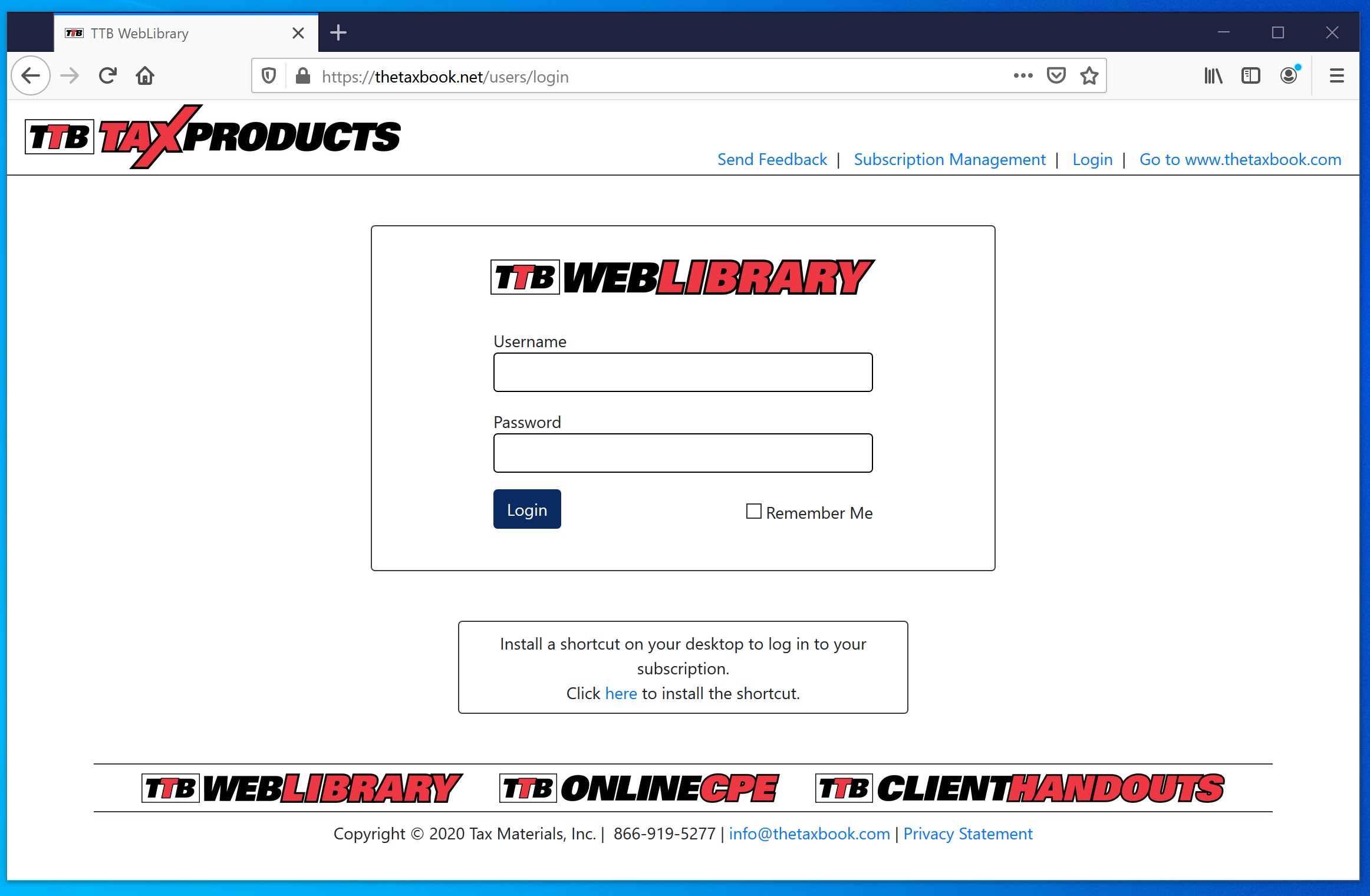
To create a desktop shortcut to the WebLibrary in Firefox, begin by going to the login page in your
browser.
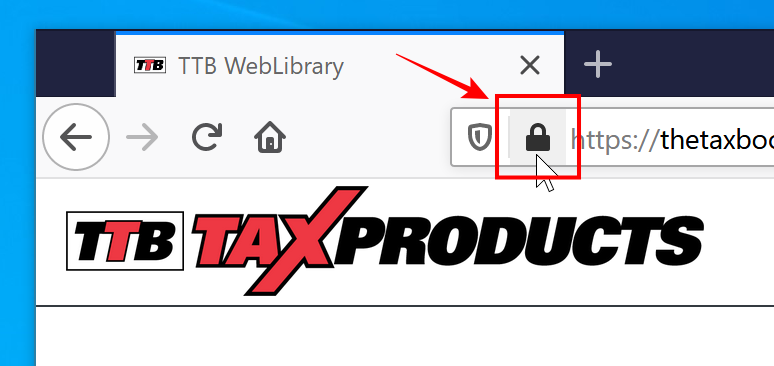
Once you are at the login page, move your cursor over the lock icon in the address bar.
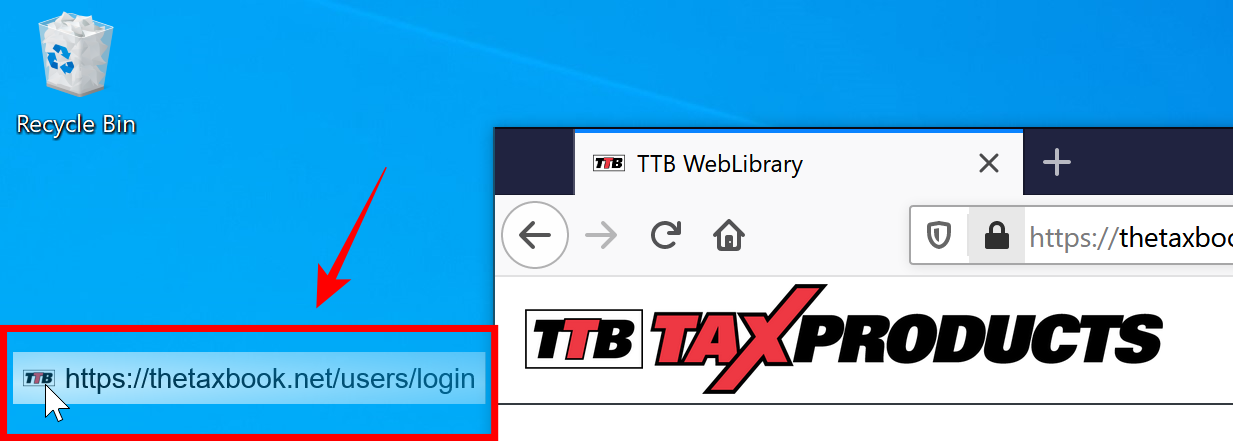
Click and drag the icon over to your desktop and let go.
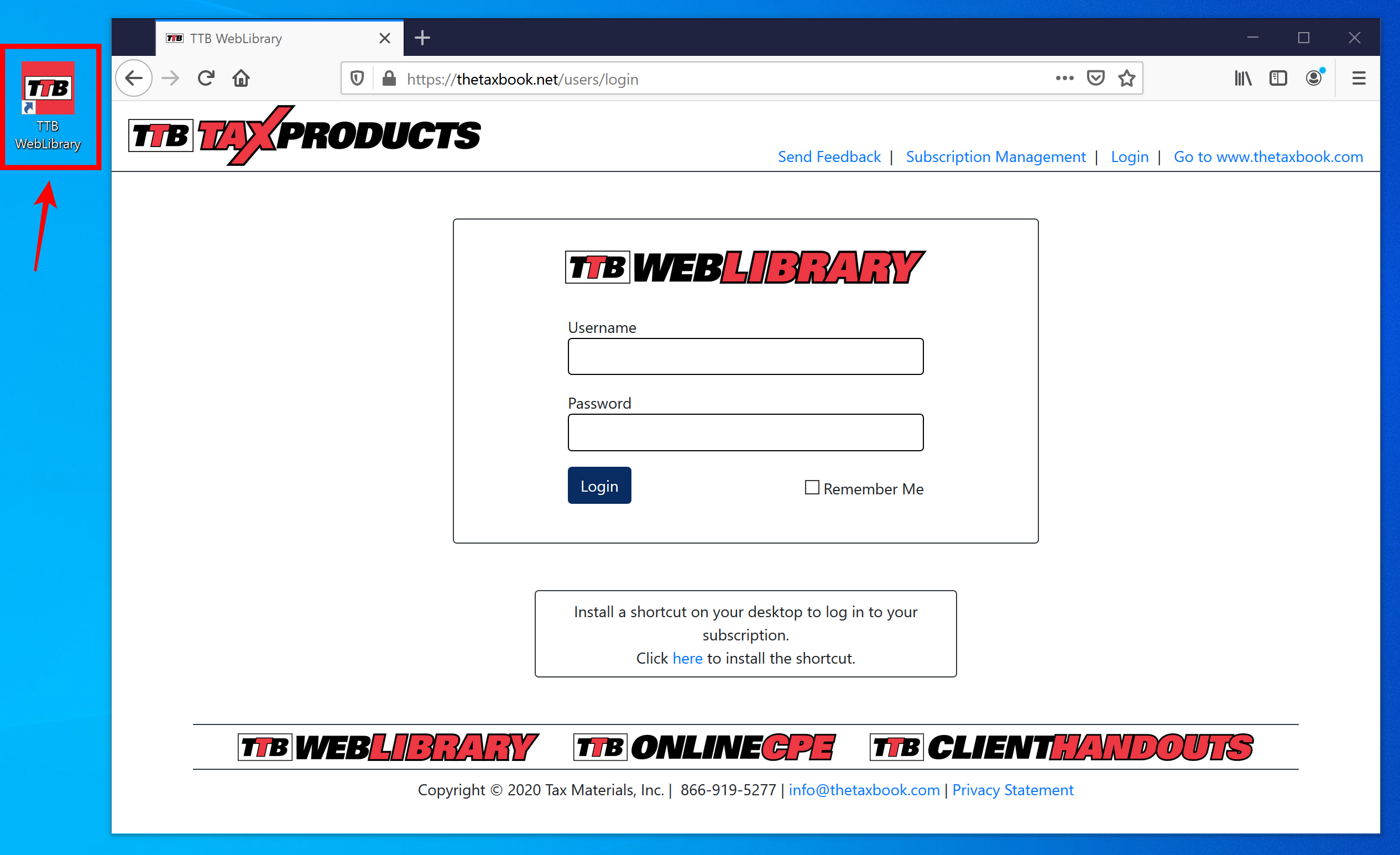
You now have a desktop shortcut to the WebLibrary that you can use anytime to access your subscription.