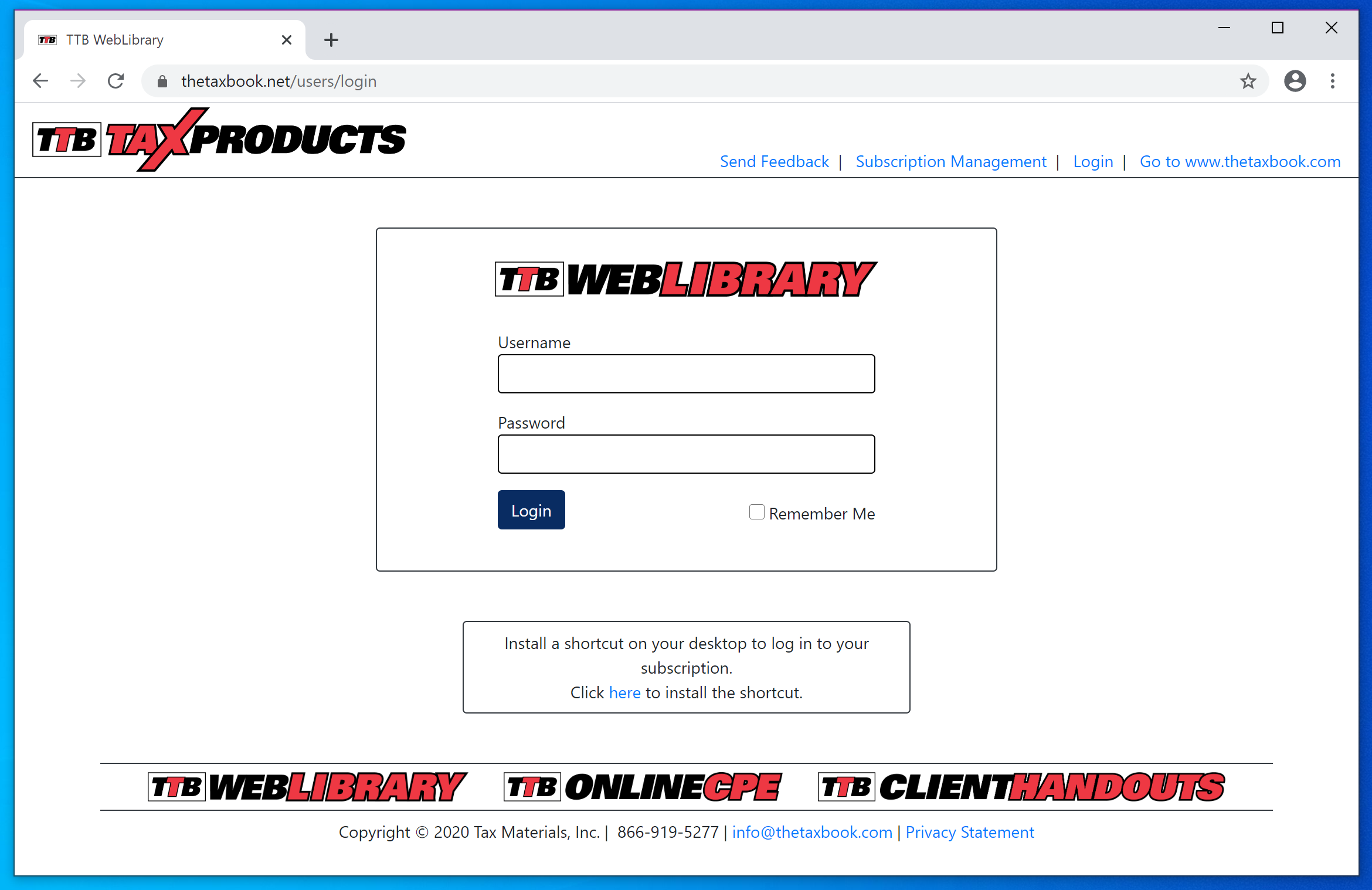
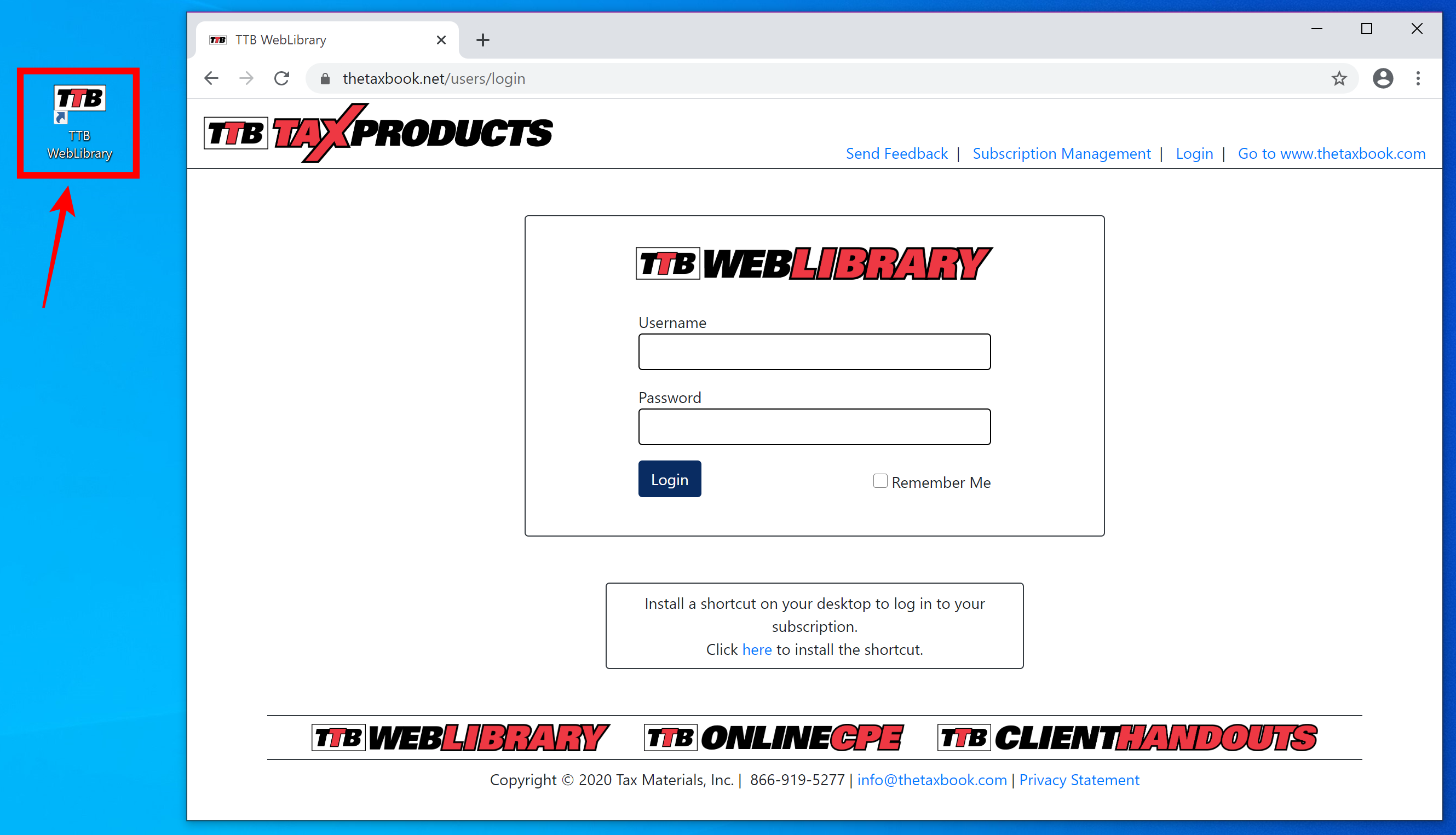
To create a desktop shortcut to the WebLibrary in Chrome/Chromium/Brave, begin by going to the login
page in your browser.
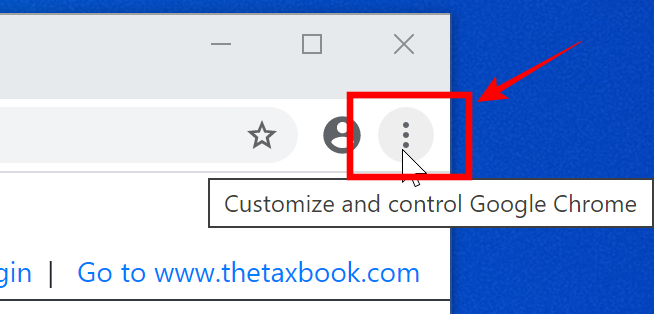
Once you are at the login page, move your cursor over the three dots/slashes in the upper right corner
of the browser and click.
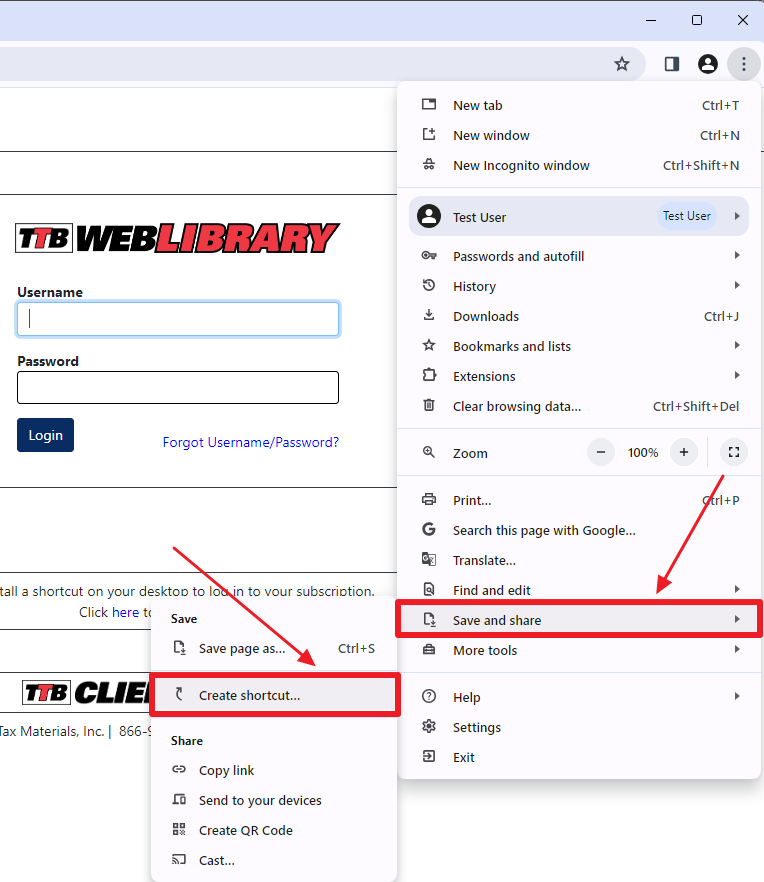
Move your cursor down to "Save and share", and then over to "Create shortcut...". Click on "Create
shortcut...".
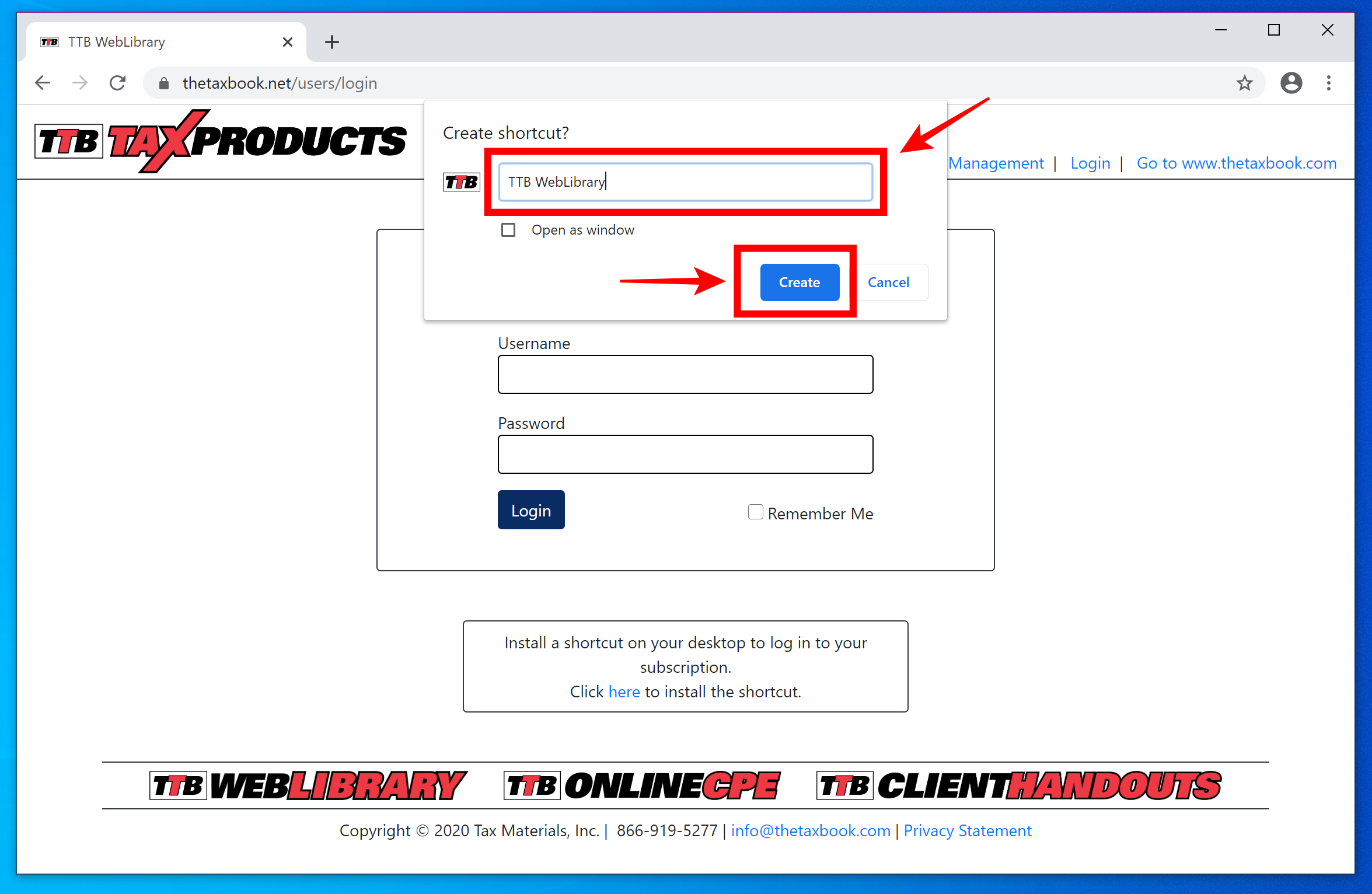
Name your desktop shortcut, then click the "Create" button.
You now have a desktop shortcut to the WebLibrary that you can use anytime to access your subscription.